Copy. Paste. Move on. It feels temporary. But Windows can keep a history of copied items. Today, take a moment to check what is still there.
Ask your IT provider about FortiMail
On October 1, 2026, the U.S. Cybersecurity and Infrastructure Security Agency (CISA) added CVE-2026-104286, a Fortinet FortiMail security flaw, to its Known Exploited Vulnerabilities catalog. That catalog lists flaws attackers have already used. Fortinet's related notice is FG-IR-26-175.
FortiMail is equipment or software an organization may use to protect its email. This is a question for the people who manage that system.
This is an October 1 advisory checked for today's issue. CISA notice · Fortinet advisory. Fix availability can change; use the vendor's current instructions.
Clear old copied text in Windows
The clipboard is the temporary place Windows puts something you copy. If clipboard history is enabled, it can hold several items for later use.
- Press the Windows logo key + V to look at clipboard history. If it asks you to Turn on history, you do not need to enable it for this exercise.
- To remove old unpinned items, open Start → Settings → System → Clipboard. Under Clear clipboard data, select Clear.
- Check for items you pinned, meaning saved in place. Clearing history leaves those items behind. In history, use the item's See more (...) menu, or the ... icon, and select Delete for an item you no longer want.
Clearing history does not delete the document you copied from. It also does not recall information you already pasted or sent elsewhere.
Button appearance varies between Windows versions. Microsoft's Windows 10 and Windows 11 clipboard instructions.
Windows 10 to Windows 11: keep your files and apps
You can usually upgrade a compatible computer without starting over. The normal upgrade is designed to carry your files forward, but some older apps may not work. Back up first. No upgrade can guarantee zero data loss.
Before you begin
- Check your computer. Open Microsoft’s PC Health Check guide, install the app if needed, and select Check now. It explains whether your computer qualifies.
- Make a backup. Copy important documents, photos, and other files to an external drive or confirm they have finished saving to OneDrive. Open a few backup copies to check them. A file backup does not copy every installed program.
- Prepare. Check with the makers of essential apps and printers about Windows 11 compatibility. Save your work and plug a laptop into power. For a work-managed computer, contact your IT administrator first.
Use Windows Update — the recommended route
- In Windows 10, open Start → Settings → Update & Security → Windows Update.
- Select Check for updates. Install offered Windows 10 updates, restart if asked, and check again.
- When Windows 11 is offered, select Download and install.
- Read the license terms. To continue, select Accept and install.
- When prompted, save your work and select Restart now. Let the computer finish; it may restart several times.
- Sign in. Open your important files and apps and test your printer. In Windows 11, check Settings → Windows Update for remaining updates.
No upgrade offer? Check PC Health Check’s result. A compatible computer may still have a temporary compatibility hold. Do not bypass the requirements. Ask for help resolving the result or choosing a supported replacement.
Microsoft says eligible Windows 10-to-11 upgrades are free. Standard Windows 10 support ended October 14, 2025. Guidance checked October 2, 2026. Sources: Preparation and backups, Microsoft installation steps and upgrade FAQ. This reference section appears in each October edition.
Two dates to put on your calendar
Cybersecurity Connections
October 15, 2026 · 11:00 a.m.–1:30 p.m. EDT
In person or online. A National Institute of Standards and Technology (NIST) event bringing the cyber community together for Cybersecurity Awareness Month. Registration closes October 7.
Safer software and artificial intelligence
October 28, 2026 · 1:00–3:00 p.m. EDT
Online webinar · no fee. NIST's “DevSecOps and the Impact of Agentic AI” covers building security into software development and the role of AI systems that can carry out tasks. It is a more technical session for software and security teams. Attendance is limited to 500.
EDT means Eastern Daylight Time. Check the organizer's page before attending. These are learning events, not certifications.
Open SAM.gov Cybersecurity & IT Contracts
Active status and response windows checked October 2, 2026, about 8:13 a.m. EDT. These are actual requests for offers, not awards or requests for general market information. Read all attachments and amendments before deciding whether to respond.
Software Supply Chain Security Solution
Federal Deposit Insurance Corporation (FDIC)
Notice CORHQ-26-R-0394
Offers due October 9, 2026, 1:00 p.m. EDT
Active · Solicitation (Original), published September 28. The agency seeks a software supply-chain security solution: tools related to protecting the software components an organization relies on.
Eligibility: No set-aside used; the notice is not reserved for a particular small-business group. Industry code 513210: Software Publishers. The notice requires both a pricing workbook and a pre-award supply-chain risk spreadsheet. Missing required proposal material may make a response unacceptable.
The questions deadline was October 2 at noon; the description does not specify a timezone for that question cutoff. Treat the questions window as closed unless the contracting contact confirms otherwise. The separate offer deadline above is explicitly EDT in SAM.gov.
High Performance Search and Retrieval Software Tool
U.S. Navy · Naval Air Systems Command, Lakehurst
Notice N6833526Q1220
Offers due October 13, 2026, 5:00 p.m. — timezone conflict
Active · Combined Synopsis/Solicitation, published September 28. An online software subscription for finding parts, logistics, and purchasing information. This is an IT software opportunity, not a cybersecurity audit.
Eligibility: No set-aside used; the description says all business sizes may compete. Industry code 519290. The notice requires active SAM.gov registration from proposal submission through award, a technical description, and pricing. Review the statement of work and submission checklist.
Confirm before submitting: SAM.gov's deadline field says 5:00 p.m. EDT, but the description says 5:00 p.m. EST. Ask the contracting contact to resolve the discrepancy; do not assume an extra hour.
The official notice controls. Open status and deadlines can change. These summaries do not establish your firm's eligibility or promise an award.
October 2, 1955: ENIAC retires
The Computer History Museum records the retirement of ENIAC on this date. This early electronic computer used plugboards, switches, and punched cards. It occupied about 1,000 square feet and could perform about 5,000 operations a second. “Computer on your desk” meant something very different back then.
Copy, paste… remember?
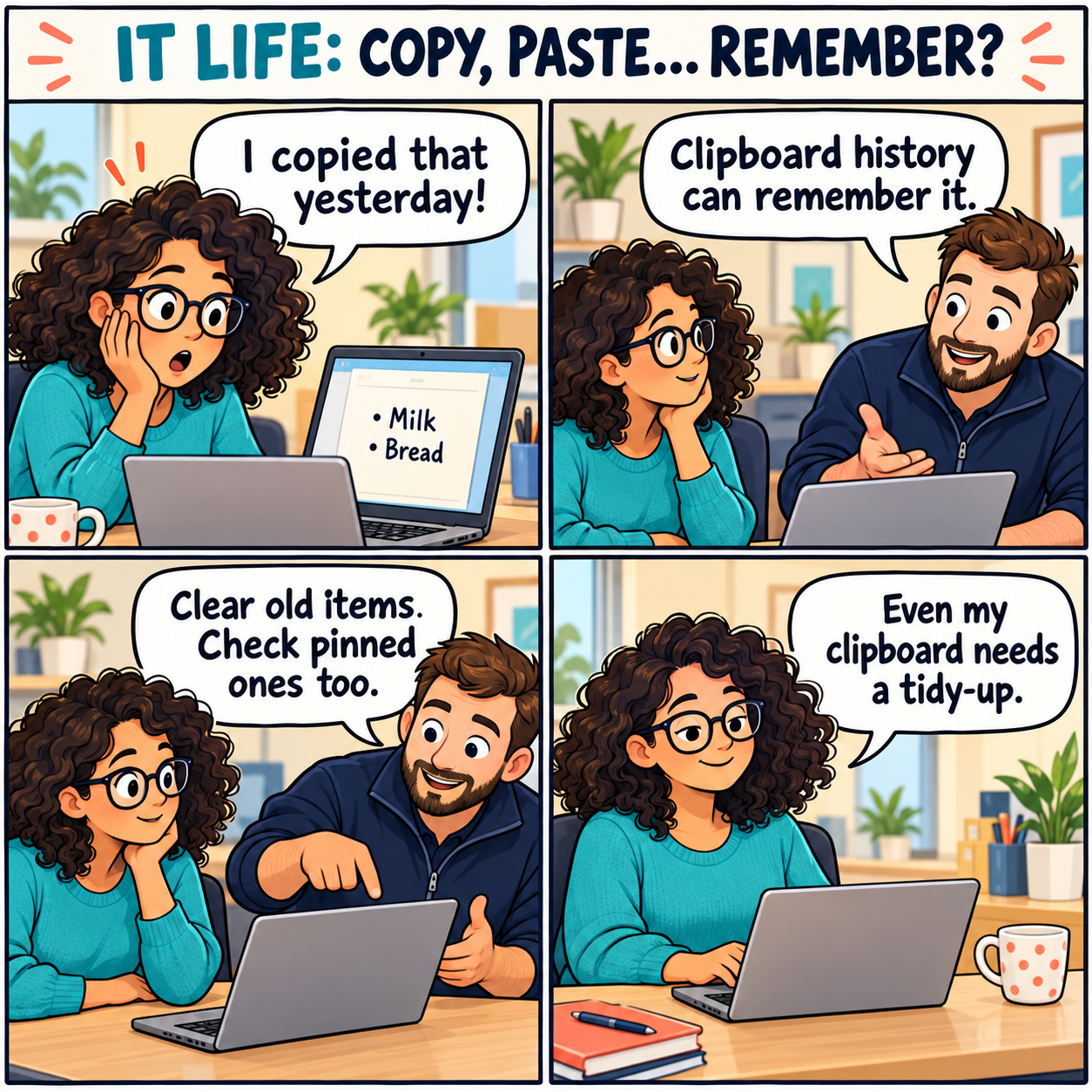
Comic transcript
- Worker: “I copied that yesterday!”
- Technician: “Clipboard history can remember it.”
- Technician: “Clear old items. Check pinned ones too.”
- Worker: “Even my clipboard needs a tidy-up.”
Original fictional comic created for Horton IT Daily with AI-generated artwork.
Two jokes for your coffee break
1. A clean screen
Why did the computer put on glasses?
To improve its website!
2. The extra guest
Why did the computer bring a mouse to lunch?
It heard there would be cookies.
Sysadmin horoscope · October 2
Entertainment only. Brief workday adaptations of Valerie Mesa's October 2, 2026 forecast in PEOPLE. These are playful prompts, not predictions about your systems.