Horton IT Daily · Original WordPress edition
· Horton IT Daily
Your Patch Plan Starts with an Inventory
A vulnerability alert helps only when you know whether the affected product is in your business. This weekend’s practical task is a five-field software inventory that makes the next security alert easier to handle.
This page recognizes the original WordPress edition, post 1747. Primary sources and learning listings were checked October 17, 2026. Availability and government notices can change.
Threat watch: remote support and network management
The Cybersecurity and Infrastructure Security Agency, or CISA, added two entries to its Known Exploited Vulnerabilities catalog on October 16. That catalog is a list of security flaws with evidence of real-world exploitation.
- CVE-2026-102764: BeyondTrust says its Remote Support product had an internal message-validation flaw that could let a remote attacker perform file operations on an affected appliance. BeyondTrust says the fix was applied to its hosted service and gives separate patch instructions for self-hosted customers. Check the BeyondTrust advisory BT26-05.
- CVE-2025-61624: Fortinet describes a path-traversal flaw affecting FortiOS, FortiPAM, FortiProxy and FortiSwitchManager. Review Fortinet advisory FG-IR-26-122 for affected and fixed versions.
Your next step: compare your inventory with the affected products and versions. Then follow the vendor’s update and investigation guidance. These are newly cataloged entries; that does not mean both flaws were discovered yesterday. CISA’s machine-readable KEV catalog lists ransomware use as unknown for both.
On this day in technology: IBM simplifies its PC lineup
October 17, 1994: IBM announced that it would reduce its personal-computer lineup from nine models to four product families for commercial desktops, servers, portable computers and home users. Computer History Museum.
Verified learning opportunities
Gannon Small Business Development Center lists Tech Talk with the Tech Team: Cybersecurity Check-Up as a beginner-friendly, no-cost webinar. The organizer page lists October 22, 11 a.m.–noon without a time zone, while the U.S. Small Business Administration listing shows October 21, noon–1 p.m. EDT. Confirm the date, time and time zone with the organizer before adding it to your calendar. Organizer details and registration.
Prefer to start now? Microsoft Learn offers free, self-paced lessons. Its training FAQ explains access and account options.
Open SAM.gov Cybersecurity & IT Contracts
No suitable open opportunity is presented in this edition. The available official detail pages did not provide enough information to verify both active status and a future response deadline with a source time zone. This is a verification limit, not a statement that no opportunities exist.
Two-minute IT lesson: five fields that beat guesswork
Choose one business application and record these five facts in your private asset inventory:
- Name: the product name people recognize.
- Version: the installed release number.
- Owner: the person responsible for business decisions about it.
- Location: the computer, server or hosted service where it runs.
- Update source: the trusted vendor page or managed tool used for updates.
When an alert arrives, compare the product and affected version before planning a change. After an approved update, confirm the installed version and normal operation. Keep passwords, license keys and customer information out of this list.
IT Life: “The Inventory”
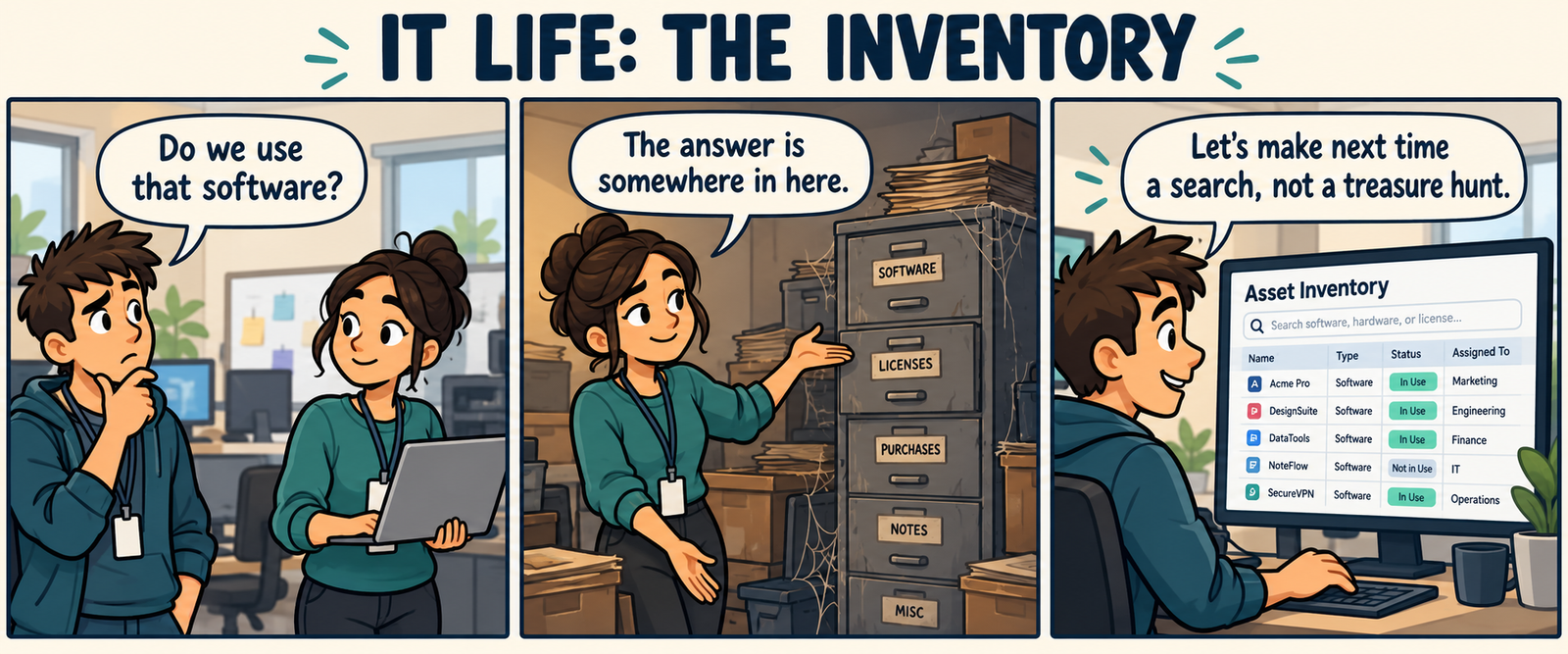
Read the comic transcript
“Do we use that software?” “The answer is somewhere in here.” “Let’s make next time a search, not a treasure hunt.”
Original AI-assisted fictional comic.
October reference: move from Windows 10 to Windows 11 without starting over
- Check the computer. Open Microsoft’s PC Health Check and select Check now. If Microsoft places a compatibility safeguard hold on the upgrade because of an app or driver, resolve that issue before continuing.
- Test your backup. Copy important files to a separate backup location. Open a few restored files before the upgrade. Make sure you can sign in to the services you use.
- Check apps and accessories. Confirm that business software, printers, scanners and other important equipment support Windows 11.
- Use Windows Update. In Windows 10, select Start → Settings → Update & Security → Windows Update. Select Check for updates. When the supported Windows 11 upgrade is offered, select Download and install and follow the prompts.
- Keep files and apps. The normal Windows Update upgrade is designed to keep personal files and installed apps, but no upgrade can guarantee against data loss. If you run Windows Setup from within Windows, confirm Keep personal files and apps. Stop if that choice is unavailable.
- Avoid a clean installation unless you intend to erase and rebuild. Starting from installation media can remove files and apps. Review Microsoft’s supported installation options before proceeding.
Cyber Chuckles
Joke one: Why did the software inventory bring a label maker? It was tired of mysterious folders.
Joke two: My computer asked for a patch. I gave it a tiny quilt and installed the update.
Sysadmin horoscope — entertainment only
All signs: Your lucky discovery is a clearly labeled folder. A little organization could make Monday feel less mysterious. Original entertainment only; this is not a prediction or technical advice.
Make your next IT decision easier
Pick one business application and complete its five-field inventory today. Need practical technology support? Request help from Horton IT Enterprises. Need component sourcing or purchasing help? Send us your parts list.